Team chat that sits beside the floor.
Every office has its own chat with channels, direct messages and reactions. Messages stay, so you can catch up from your phone without walking in.
One price for the whole team · No card needed
By Jitto Joseph
A chat that lives next to the floor
Most team chat is the whole workplace. On TinyFloor it's half of it: the floor shows who's around and lets you talk, and the chat holds everything that should be written down. Because they sit side by side, a long back-and-forth can turn into a two-minute conversation with one press.
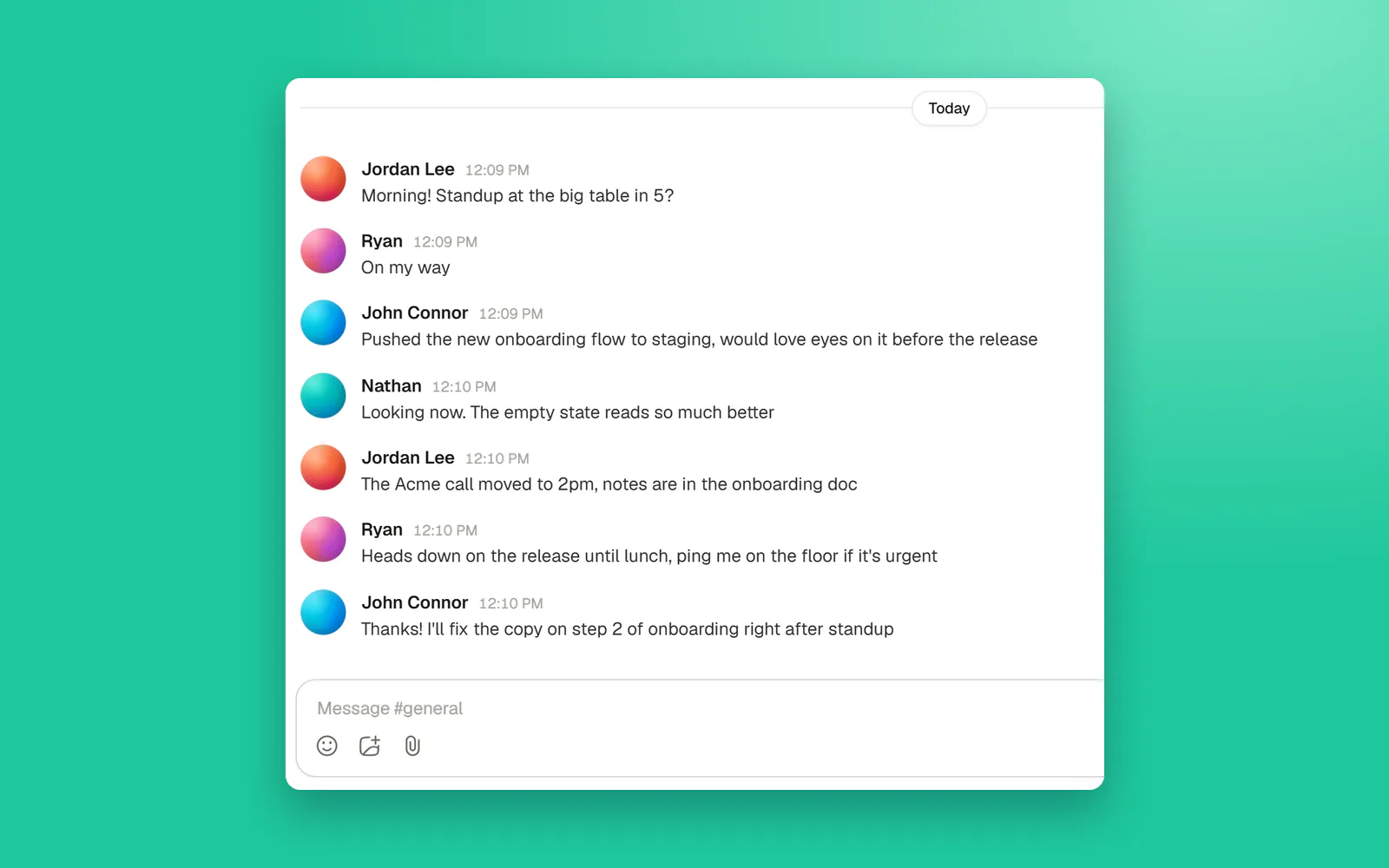
What's in it
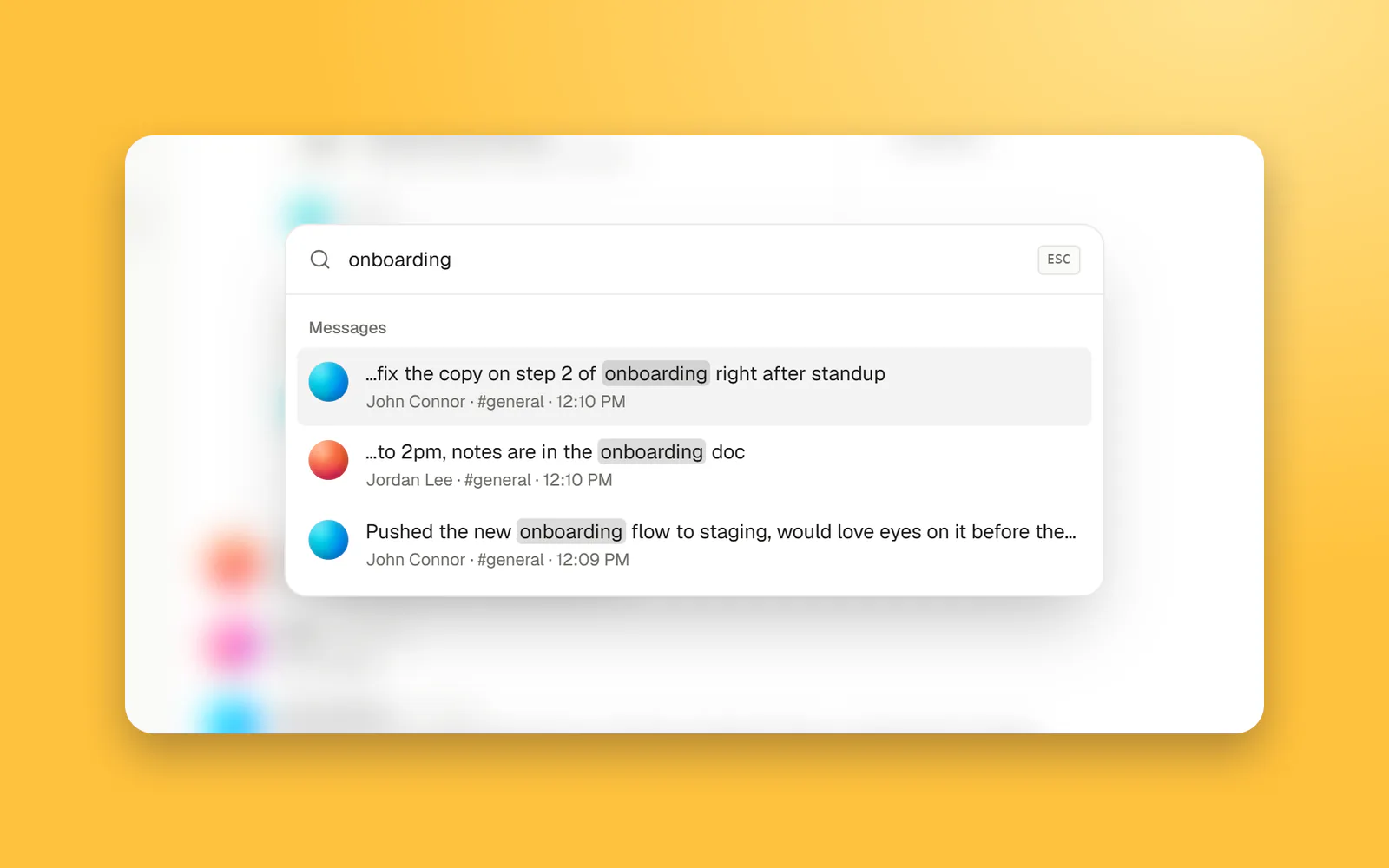
| How it works | |
|---|---|
| Channels | Lowercase names, no spaces. Everyone in the office can read and join every channel. |
| Direct messages | Between two people, and only the two of you can see them. |
| History | Each channel keeps its most recent 5,000 messages, on every plan. |
| Reactions and emoji | React to a message instead of replying "+1". |
| Edit and unsend | Fix a typo after sending, or take a message back. Edited messages are marked. |
| On your phone | The chat works in your phone's browser, without walking onto the floor. |
| Unread messages | The tab's title shows how many are waiting, so a pinned tab tells you when to look. |
Where chat and floor meet
- Walk over from a conversation. A direct message with someone on the floor offers to walk over. Your character finds its own way to their desk, and a call is one tap away.
- See who's around before you write. The people list shows who's on the floor, who's busy and who's in a meeting, so you know whether to write or wait.
- A quiet nudge instead of pop-ups. When someone writes while you're on the floor, you get a small nudge, not a stream of notifications.
- "Got a minute?". A new direct message offers ready openers, such as "Got a minute?", for when you would rather ask than turn up unannounced.
Channels a small team actually uses
| Channel | What goes in it |
|---|---|
| #general | Announcements, plans for the week, anything everyone should read. |
| One per project or client | Decisions, links and questions about that piece of work, in one place. |
| #standup | Written updates for days or people who can't make the live standup. |
| #random | Everything that isn't work. |
| #questions | Questions nobody should feel silly asking. New people read the answers later. |
What it doesn't do
There are no threads, no integrations or bots, and no message search yet. You can't share images in the chat yet, so screenshots go on screen in a call. Notifications don't follow you to your phone: TinyFloor doesn't send push notifications or emails to bring people back. If your team relies on any of that, keep Slack for writing and use TinyFloor for presence, calls and meetings; plenty of teams do.
Common questions.
Does the chat keep history?
Yes. Each channel keeps its most recent 5,000 messages, on every plan.
Can I use the chat on my phone?
Yes. Open TinyFloor in your phone's browser to read and reply, without walking onto the floor.
Can I edit or unsend a message?
Yes. Edit a message after you've sent it, or unsend it if it shouldn't be there. Edited messages say so.
Does it replace Slack?
For a small team it can. Others keep Slack for messages and use TinyFloor for presence, calls and meetings.
Still wondering? Try the demo office and see for yourself.
Related guides.
- Remote team communicationA practical guide to remote team communication: when to write, when to talk, the tools for each, simple team rules and fixes for the most common problems.

- Async communicationWhat async communication is, how it differs from sync, when to use each, how to write messages that work without a reply, rituals and tools, and the problems to watch for.

- Remote work toolsThe remote work tools a small team needs, job by job: chat, meetings, presence, docs, tasks and time zones. A short list, starter stacks and how to choose.

- Team meeting agendaA weekly team meeting agenda template you can copy, what belongs in it and what doesn't, ideas to keep it fresh, and how to run it with a remote team in 30 minutes.

Keep exploring.
Give your teama floor to share.
14 days of Pro for every new office · Runs on Cloudflare